
You place your Apple Watch on the charger like you always do… but this time,
nothing happens.
No charging symbol. No response. Just a watch that refuses to power up. It’s a
frustrating situation — especially because most of us rely on our Apple Watch
daily for notifications, fitness tracking, and even quick calls.
The good news? Charging issues are quite common, and in many cases, they can be
fixed easily. But sometimes, your Apple Watch might need a bit more attention.
Let’s go through the possible reasons step by step — just like you’re
troubleshooting it right now.
First, Don’t Assume the Worst
Before jumping to conclusions, take a breath. Charging issues don’t always mean something serious. It could be something simple like:
- a dirty charger
- a loose connection
- or even a minor software glitch
Start with the basics before worrying about repairs.
1. Check the Charging Cable and Adapter
This is the first and most overlooked step. Apple Watch uses a magnetic charger, and if something is off, it won’t connect properly.
Check for:
- Loose cable
- Damaged wire
- Faulty adapter
- Non-original charger
What you can do:
- Try a different adapter
- Use another charging cable if available
- Plug into a different socket
Sometimes, the issue isn’t the watch — it’s the charger.
2. Clean the Back of the Watch and Charger
Your Apple Watch sits on your wrist all day, which means it collects:
- sweat
- dust
- oil
Over time, this can affect charging.
Quick fix:
- Use a soft cloth
- Clean the back of the watch
- Clean the charger surface
Even a thin layer of dirt can block proper connection.
3. Check If the Magnetic Alignment Is Correct
Unlike wired charging, Apple Watch relies on proper alignment.
- If the watch is slightly off: It won’t charge
What to do:
- Place the watch properly on the charger
- Adjust slightly until you see the charging symbol
Simple, but very common.
4. Restart Your Apple Watch
Yes — even a smartwatch needs a restart sometimes.
A small software glitch can prevent charging.
Try this:
- Press and hold the side button
- Slide to power off
- Turn it back on after a few seconds
If it was a temporary issue, this usually fixes it.
5. Force Restart (If It’s Completely Unresponsive)
If your Apple Watch is not responding at all:
Do this:
- Press and hold Digital Crown + Side Button together
- Hold for about 10–15 seconds
- Wait for Apple logo
This resets minor system issues.
6. Software or Update Issues
Sometimes, after a watchOS update:
- charging may behave oddly
- the device may not respond properly
What you can do:
- Keep the watch updated
- Restart after updates
- Pair/unpair with iPhone if needed
7. Overheating or Temperature Issues
Apple Watches are sensitive to temperature.
If your watch is:
- too hot
- too cold
…it may refuse to charge.
Common scenarios:
- Left in a car
- Used heavily during workouts
- Charging in hot environments
Let it return to room temperature and try again.
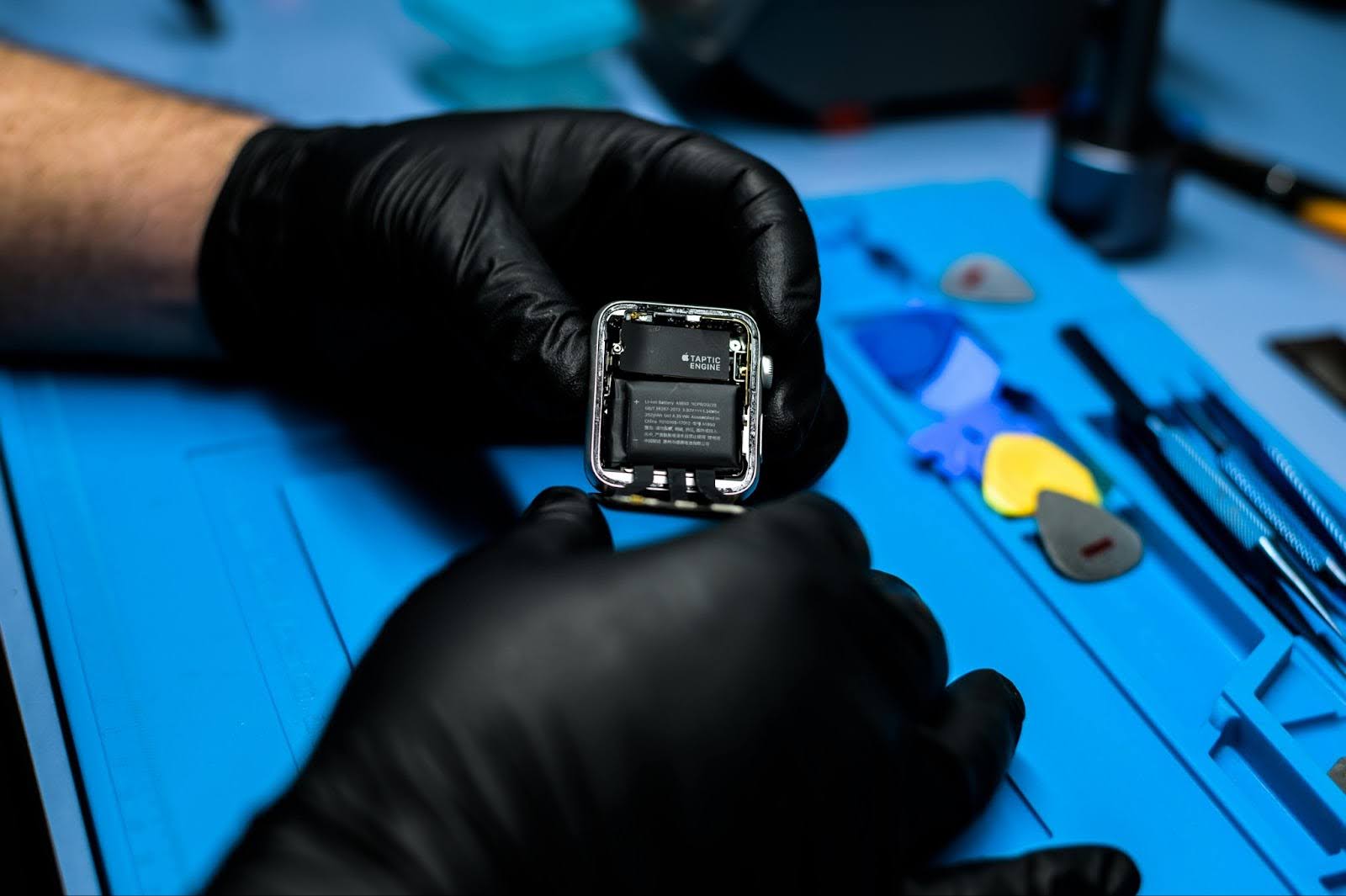
8. Battery Health Issues
Like all batteries, Apple Watch batteries degrade over time.
If your watch:
- doesn’t hold charge
- dies quickly
- doesn’t charge fully
…it might be a battery issue.
9. Water or Moisture Damage
Even though Apple Watches are water-resistant, they are not damage-proof.
If your watch:
- was exposed to water
- stopped charging suddenly after
…it could be internal damage.
Important: Avoid charging repeatedly if water damage is suspected.
10. Internal Hardware Problems
If nothing has worked so far, the issue may be internal.
Possible causes:
- charging coil failure
- internal circuit damage
- motherboard issues
These require professional diagnosis.
When Should You Seek Professional Help?
If your Apple Watch:
- is not charging at all
- charges intermittently
- heats up while charging
- or shows no response
…it’s time to stop guessing. Getting it checked by experts offering Apple Watch repair services in Hyderabad ensures the issue is identified correctly and fixed safely.
Why You Shouldn’t Ignore Charging Issues
Charging problems don’t just go away. Ignoring them can lead to:
- complete battery failure
- internal damage
- higher repair costs
Fixing it early saves both time and money.
Simple Tips to Prevent Charging Issues
-
1. Keep It Clean
Regularly clean the watch and charger.
2. Use Original ChargerAvoid cheap or duplicate accessories.
3. Avoid Extreme TemperaturesDon’t charge in very hot or cold environments.
4. Handle CarefullyAvoid dropping or exposing to moisture.
5. Charge RegularlyDon’t let battery drain completely too often.
Final Thoughts
An Apple Watch not charging can feel like a big issue — but often, it’s something
simple.
Start with basic checks. Stay calm. Don’t force anything.
And if the issue continues, getting help from professionals at the right time
can save your device from bigger problems.
Frequently Asked Questions (FAQs)
It could be due to charger issues, dirt buildup, battery problems, or internal hardware faults.
You should see a charging symbol on the screen when properly connected.
It’s best to use the original or certified charger for safe and proper charging.
Press and hold the Digital Crown and side button together for 10–15 seconds.
Yes, internal moisture can disrupt charging and damage components.
Typically 1–2 days depending on usage, but it reduces over time.
It depends on the issue. Most charging problems can be repaired if diagnosed early.