
If your iPhone battery is draining faster than usual, you're not alone. It’s one of the most common issues iPhone users face, especially after long-term usage or software updates. The good news is that in many cases, the problem can be identified and fixed easily. In this guide, we’ll walk you through the common reasons behind fast battery drain and what you can do about it.
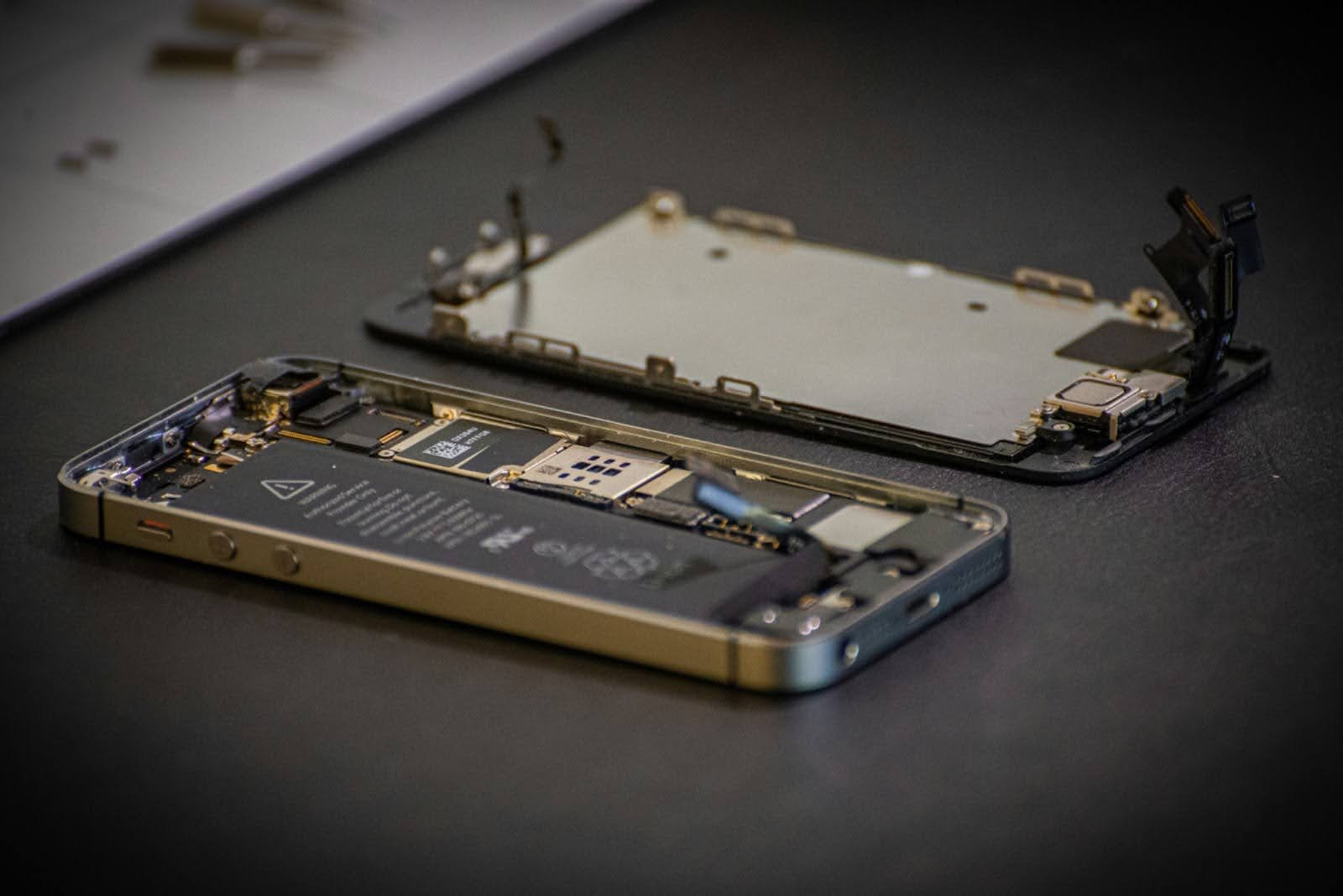
1. Background Apps Consuming Battery
Many apps continue to run in the background even when you're not actively using them. These apps keep refreshing data, using location services, and consuming battery without you realizing it.
What you can do:
- Go to Settings → General → Background App Refresh
- Turn it off for apps you don’t need constantly updating
2. High Screen Brightness
Your iPhone display is one of the biggest battery consumers. Keeping brightness at maximum can drain the battery quickly.
Fix:
- Enable Auto-Brightness
- Reduce brightness manually when indoors
3. Battery Health Degradation
Over time, iPhone batteries naturally lose their capacity. After a few years of usage, you might notice that your battery doesn’t last as long as it used to.
Check this:
- Go to Settings → Battery → Battery Health
- If capacity is below 80%, it’s a sign your battery may need replacement
If your battery health has dropped significantly, it might be time to consider a professional iPhone battery replacement Hyderabad service to restore your device performance.
4. iOS Updates and Bugs
Sometimes, after a software update, your iPhone may experience temporary battery drain due to background processes or bugs.
What you can do:
- Wait a couple of days after updating
- Restart your phone
- Install the latest updates if available
5. Location Services Running Constantly
Apps like Maps, food delivery apps, and social media often use your location continuously.
Fix:
- Go to Settings → Privacy → Location Services
- Set apps to “While Using” instead of “Always”
6. Push Notifications and Syncing
Frequent notifications and email syncing can also consume battery throughout the day.
What you can do:
- Disable unnecessary notifications
- Reduce email fetch frequency
7. Overheating Issues
If your iPhone heats up frequently, it can affect battery performance and drain faster.
Common causes:
- Gaming for long hours
- Charging while using
- High ambient temperature
When Should You Replace Your iPhone Battery?
If you notice these signs, it’s probably time:
- Battery drains very quickly
- Phone shuts down suddenly
- Battery health below 80%
- Device heating up frequently
Instead of struggling with poor performance, getting a professional repair from a trusted iPhone service centre in Hyderabad can help extend the life of your device.
Simple Tips to Improve Battery Life
- Turn on Low Power Mode
- Reduce screen brightness
- Close unused apps
- Keep your iPhone updated
- Avoid extreme temperatures
Conclusion
iPhone battery drain can happen for many reasons, from simple settings to
hardware issues. While some problems can be fixed with small adjustments, others
may require professional attention.
If your battery performance hasn’t improved even after trying these steps, it’s
best to get it checked by experts and avoid further damage to your device.